GTA 6 streaming guides
GTA 6 comes out on PS5 and Xbox Series X|S. These guides take you from the console to a stream that looks ready: capture, OBS, alerts, settings and the rules to know.
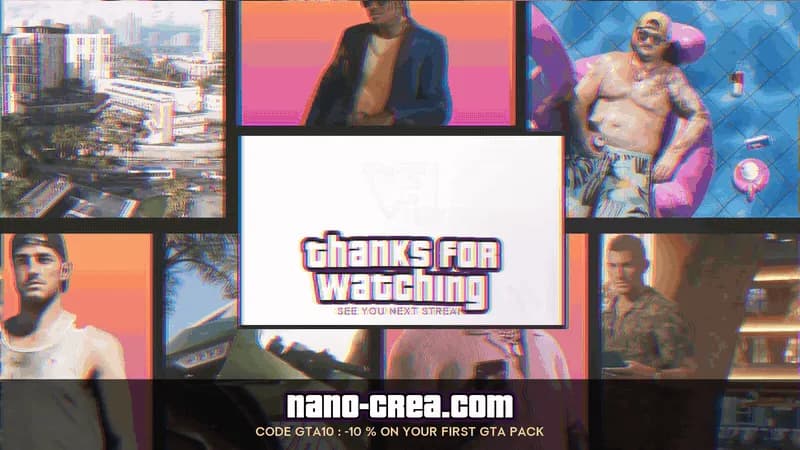 How to set up a GTA 6 overlay in OBSSet up a GTA 6 overlay in OBS Studio: canvas, console capture, webcam frame, browser sources and the mistakes that blur your stream.Read the guide
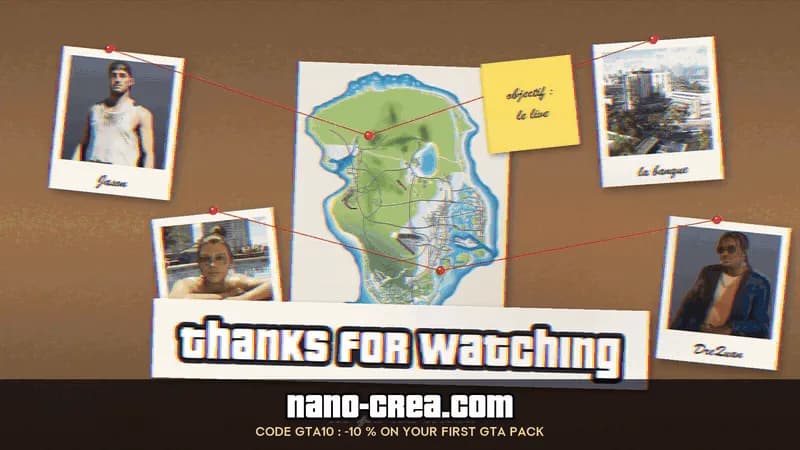 How to add GTA 6 stream alertsAdd GTA 6 stream alerts to OBS Studio or Streamlabs: follow, sub, donation and raid alerts with StreamElements or Streamlabs, sound levels and testing.Read the guide
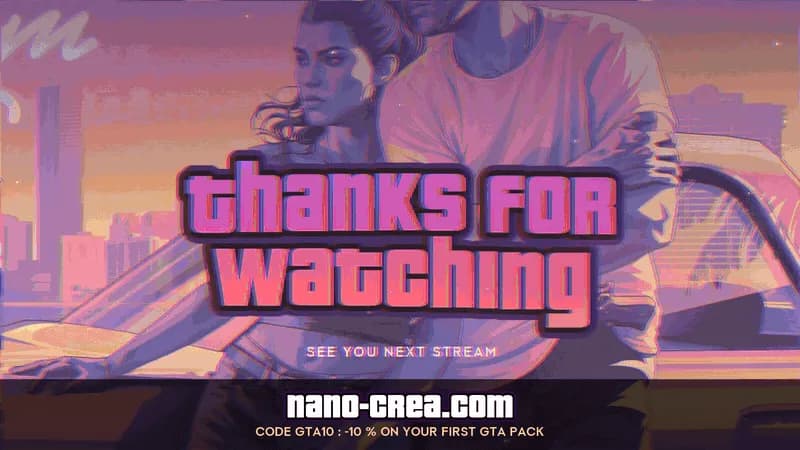 How to prepare your GTA 6 launch streamEverything to prepare before streaming GTA 6 on day one: hardware, scenes, overlays and alerts, schedule, title, thumbnails and spoiler rules.Read the guide
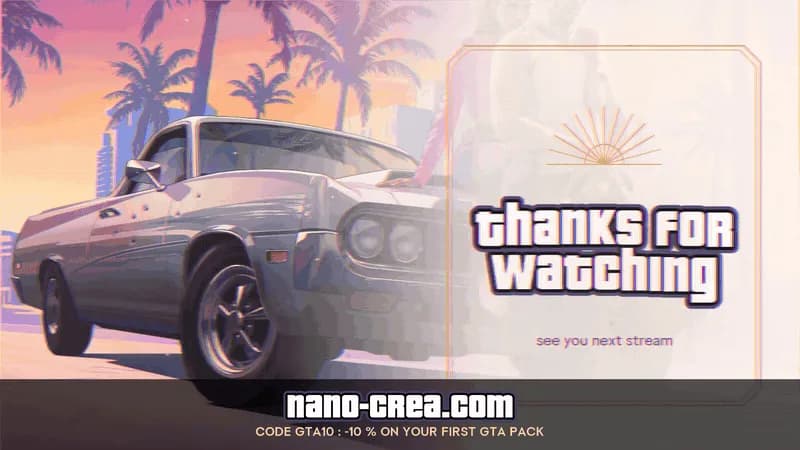 OBS Studio or Streamlabs for your GTA 6 stream?OBS Studio vs Streamlabs Desktop for a GTA 6 stream: performance, alerts, ease of use, price and customisation, with our pick for each profile.Read the guide
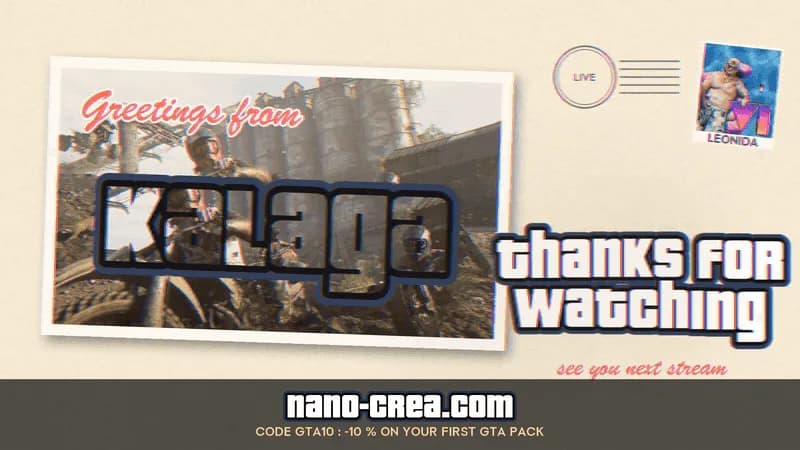 The best stream settings for GTA 6Resolution, frame rate, bitrate, encoder and keyframes for a sharp GTA 6 stream on Twitch and YouTube, and how to check your upload before launch night.Read the guide
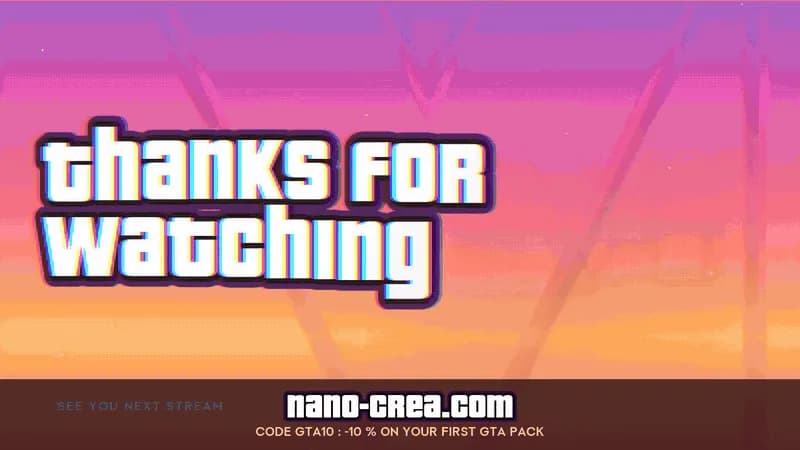 How to stream GTA 6 from a PS5 or an XboxStream GTA 6 from a PS5 or an Xbox Series X|S with a capture card and OBS: cables, HDCP, HDR, passthrough, audio and the settings that avoid delay.Read the guide
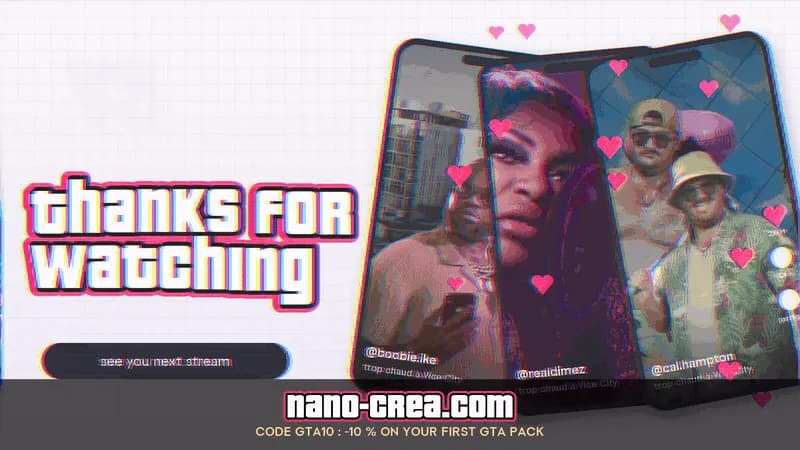 How to stream GTA 6 on PS5 or Xbox with OBSStream GTA 6 from a PS5 or an Xbox Series X|S with OBS: capture card, PS Remote Play or the Xbox app. Cabling, settings, audio and which method to pick.Read the guide
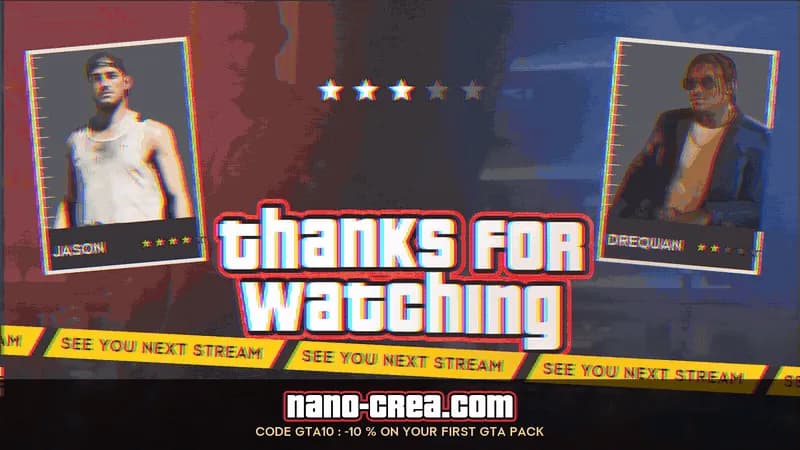 How to set up Twitch alerts for your GTA 6 streamSet up Twitch alerts for your GTA 6 stream in OBS Studio or Streamlabs Desktop: follows, subs, bits, raids, sound, tests and the most common fixes.Read the guide
- GTA 6 streaming and monetization: the Rockstar rulesWhat the official Rockstar policy says about GTA 6 videos and streams: leaks, spoilers, cheats, mods and making money. A plain summary, with the source.Read the guide
- Your first GTA 6 stream: the checklistGet your first GTA 6 stream ready: preload on 12 November, updates, OBS scenes, overlay, alerts, audio and the plan for release day. A checklist to tick.Read the guide
Ready-made GTA 6 packs
Overlays, alerts and scene screens for OBS Studio and Streamlabs, unofficial and not affiliated with Rockstar Games. Your personal code GTA10 gives 10% off your first GTA pack.
- GTA 6 Cover Art Stream Pack
- GTA 6 Heist Plan Stream Pack
- GTA 6 Neon Sunset Stream Pack
- GTA 6 Ocean Drive Stream Pack
NanoCrea is an independent creator shop, not affiliated with Rockstar Games or Take-Two Interactive. Grand Theft Auto and GTA are trademarks of Take-Two Interactive. Official artwork shown for illustration only.