The Ultimate Guide to FC25 TOTY Graphics and Stream Packs
Also in:FrançaisEspañolPortuguês (BR)DeutschItalianoTürkçePolskiNederlandsالعربية
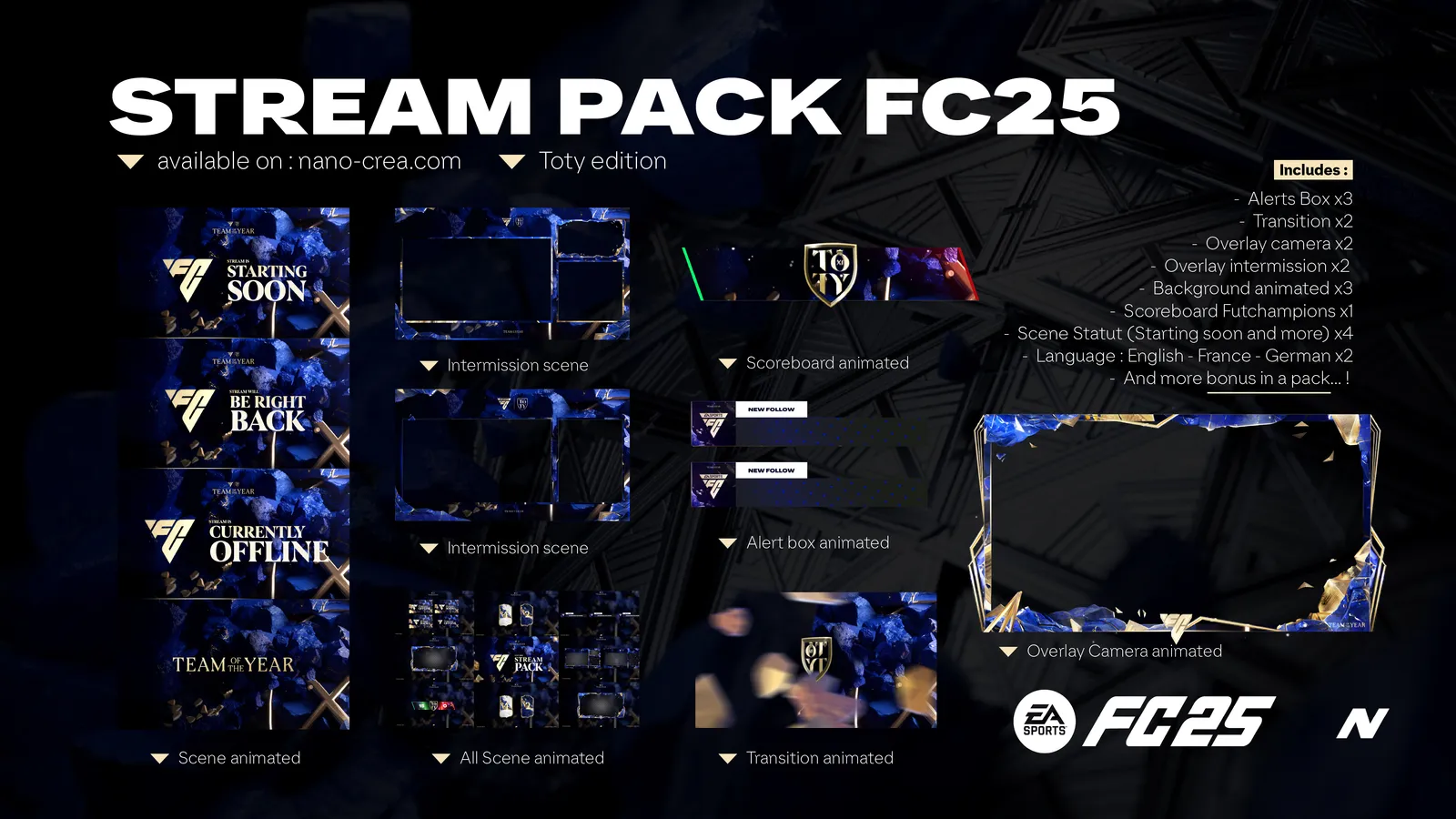
Creating engaging content during TOTY requires more than skill-it needs professional visuals that resonate with your audience. This guide explores the best ways to utilize Nanocrea’s TOTY graphics to maximize your stream’s potential.
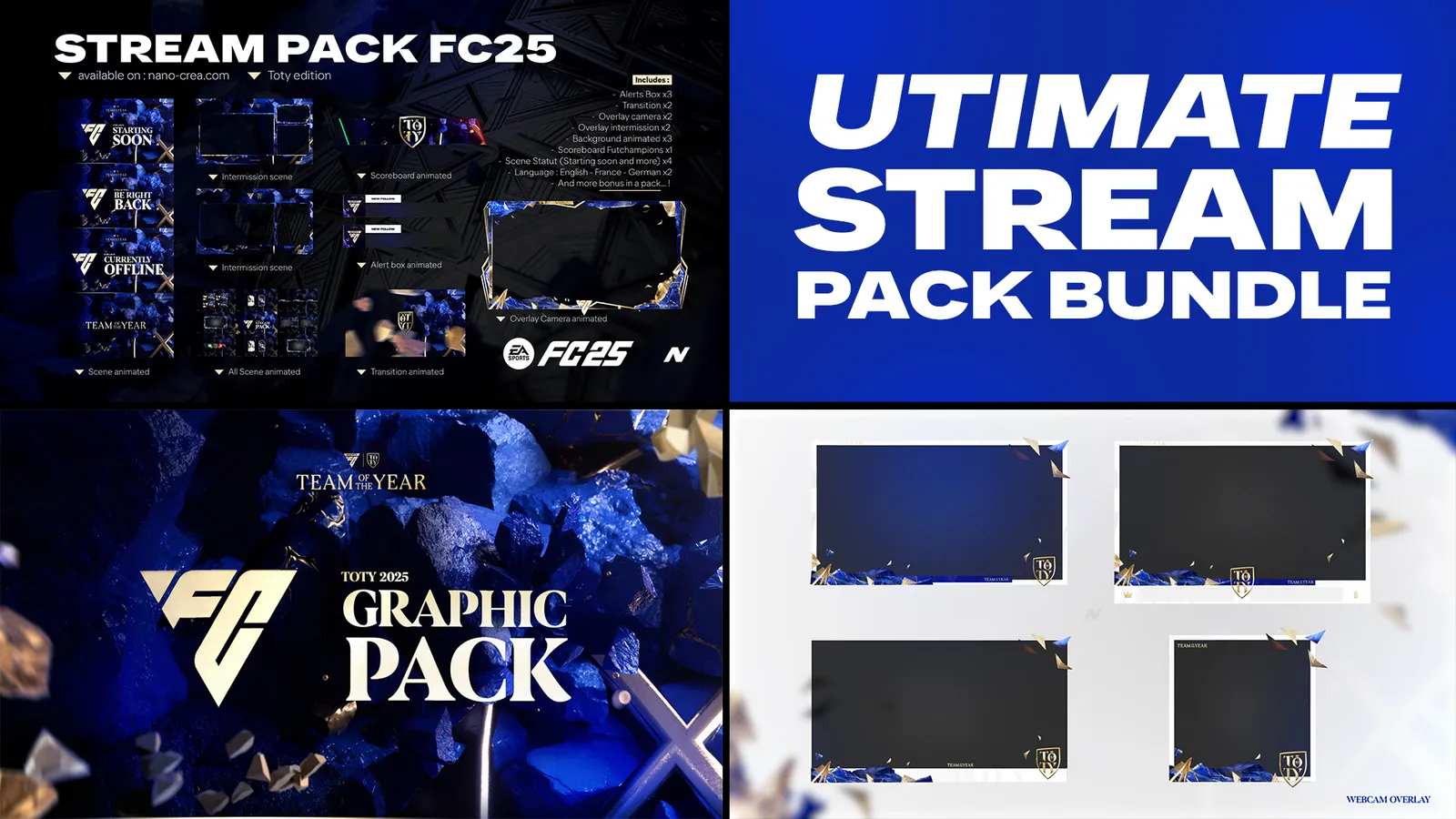
Step 1: Choose the Right Pack
Nanocrea offers a variety of TOTY-themed packs:
- Premium TOTY Stream Packs (€35.99)
- TOTY Ultimate Overlay Packs (€25.99)
- Bundled Deals (€49.99)
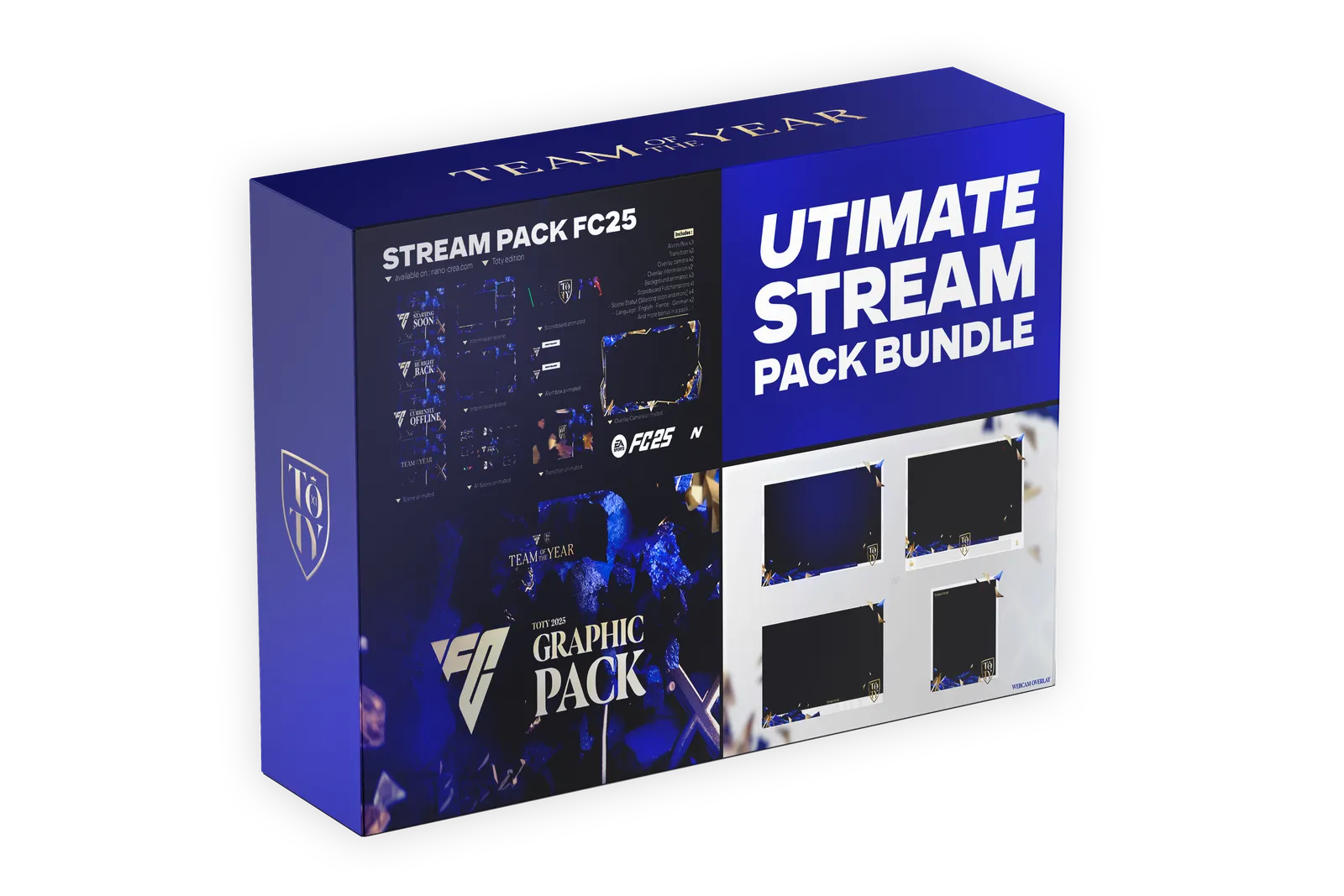
Step 2: Install and Set Up Easily
Follow our tutorials for seamless installation. All packs are compatible with popular streaming software like OBS and Streamlabs.
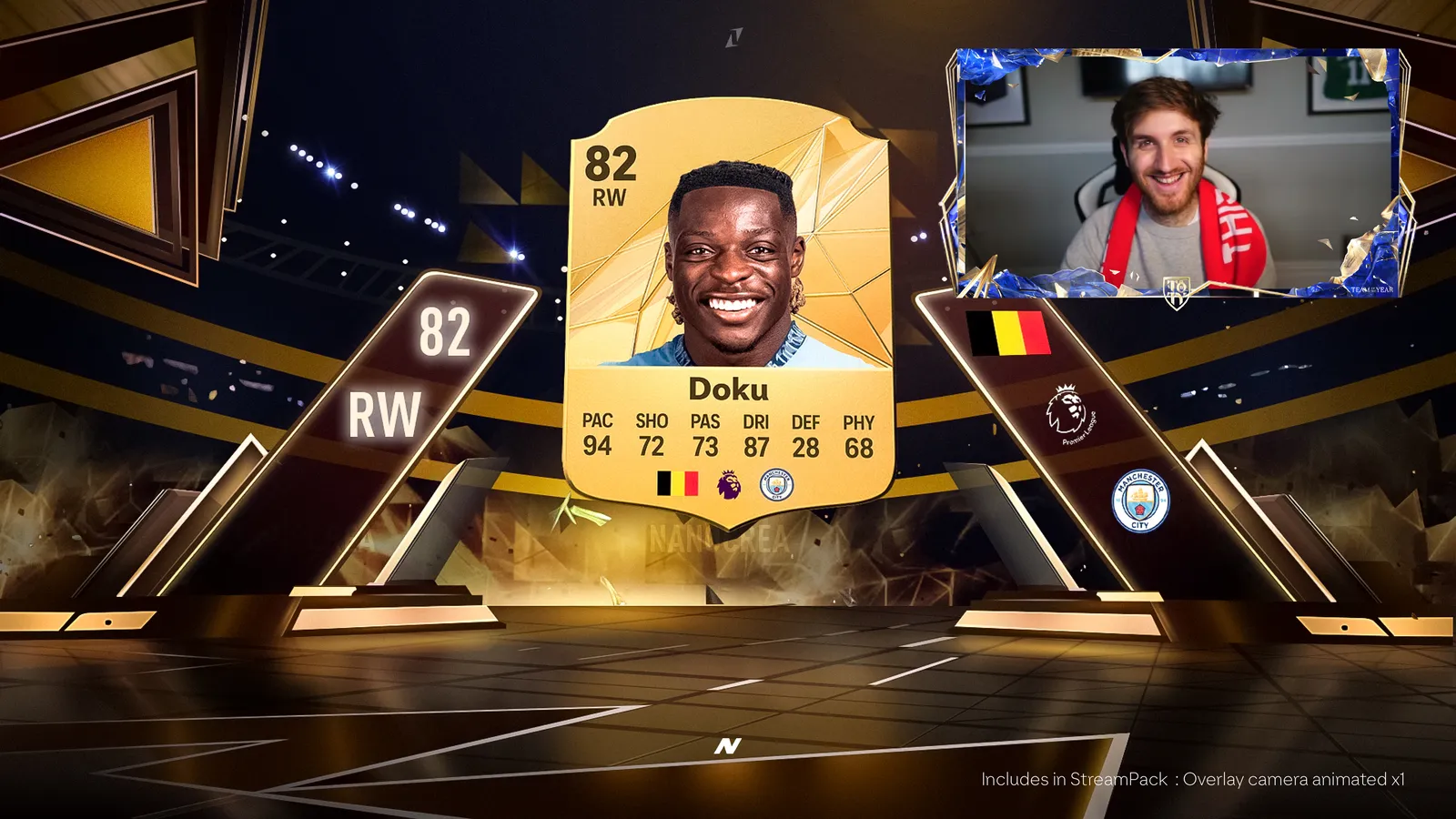
Step 3: Customize Your Stream
Add personal touches to your overlays, transitions, and graphics. Need help? Our custom graphics service is just a click away.
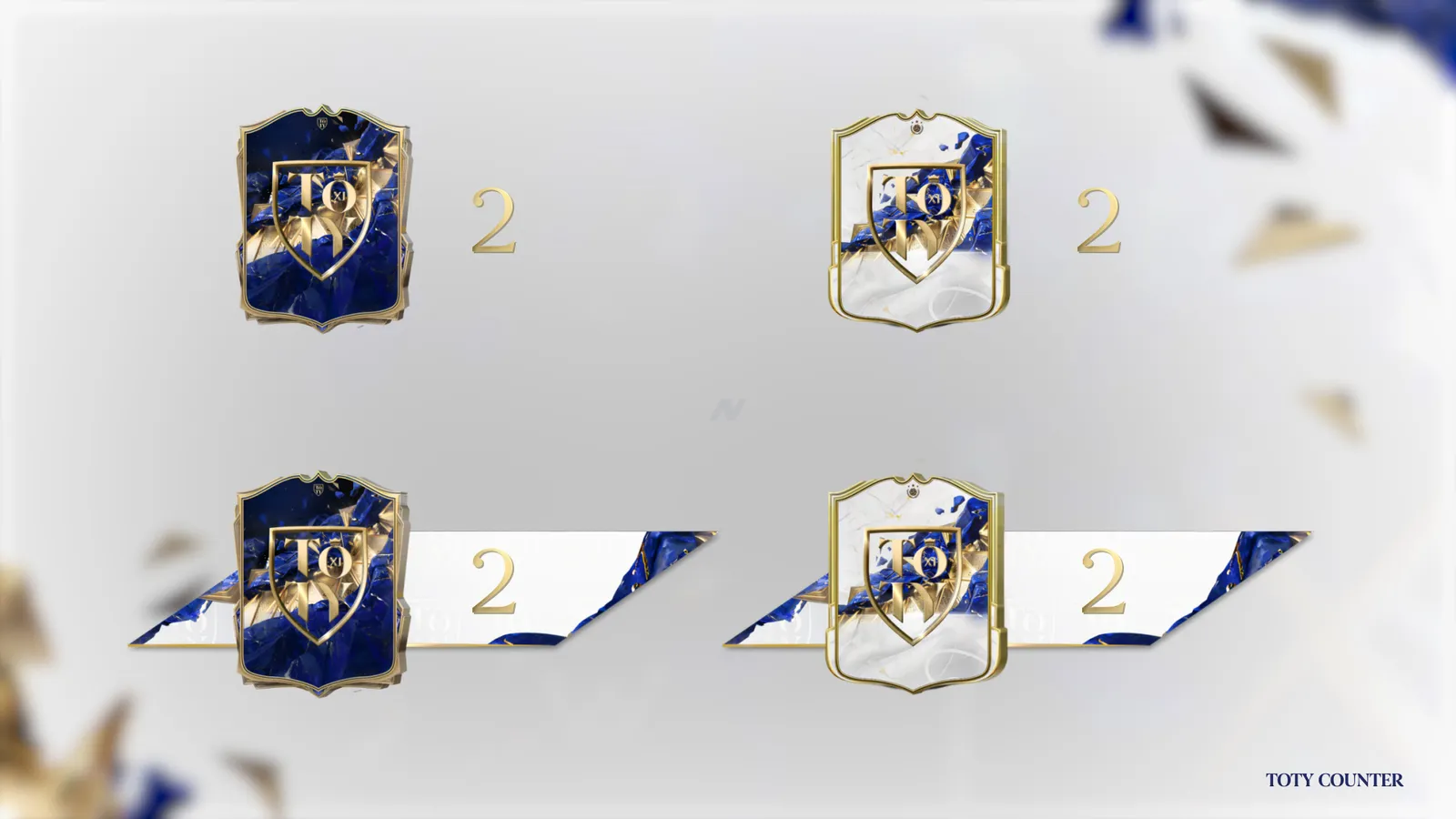
Step 4: Keep Engaging Your Audience
Leverage free packs like emotes and scoreboards to keep your audience engaged and entertained.
Ready to dominate TOTY? Shop now at nano-crea.com/toty and give your content the professional edge it deserves.