Free
GTA 6 wanted level widget for OBS
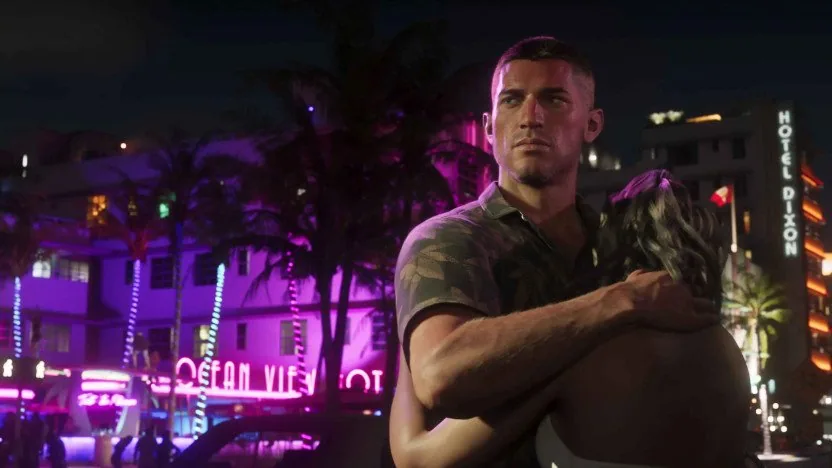
Six stars that light up as your goal fills: follows, subs, donations, kills, anything you count. When the last one lights up, a flash and a red and blue siren take over your stream for a few seconds. It counts by itself with Streamer.bot, or by hand from a +1 dock. Free, no account.
1. The OBS browser source
In OBS, add a Browser source, paste this address, set the width to 1920 and the height to 1080.
2. The control dock
In OBS: Docks, Custom Browser Docks, give it a name and paste this address. During the live, press +1 and the stars follow. It also works on your phone.
Keep the dock address to yourself: it is what moves your stars.
3. Automatic count (Streamer.bot)
Your follows, subs, cheers and raids move the stars by themselves. Streamer.bot (free, on your PC) calls this address on each event: no account, no Twitch app to authorise.
- In Streamer.bot, Actions tab: right click, Add, name it "Stars +1".
- Click the action. In Sub-Actions: right click, Core, Network, Fetch URL. Paste the address above, type "stars" as Variable Name, OK.
- In Triggers: right click, Twitch, then what you count: Channel > Follow, Subscriptions > Subscription (add Resubscription and Gift Subscription for every sub), Chat > Cheer, Raid > Raid. YouTube and Kick triggers work the same way.
- Right click the action, Test Trigger: one more on your OBS source within a second.
Other counts: n=5 instead of n=1 adds 5, n=-1 takes one off, set=0 instead of n=1 puts it back to zero (an action at the start of your live, for example). Mix It Up, SAMMI or a Stream Deck website button can call the same address.
This address is private, like the dock: whoever has it moves your stars. Never show it on stream and never paste it in your chat.
Set it up in 2 minutes
- Pick the look, the text and the goal above. The preview shows exactly what your viewers will see.
- Copy the first address into an OBS Browser source (Streamlabs: Browser Source works the same).
- Copy the second address into a custom browser dock, or open it on your phone.
- During the live, the stars move by themselves with Streamer.bot (step 3), or press +1 on the dock. At the last star: siren.
GTA10
Get your code GTA10: 10% off now
The GTA packs are on sale now. Confirm your address and your personal code GTA10 is yours: 10% off your first GTA pack, valid right away and until December 19, 2026.
- Personal code, shown right away and sent by e-mail
- Valid on your first GTA pack, until 30 days after the release
- Unsubscribe in one click, from every e-mail
The same look on your whole stream
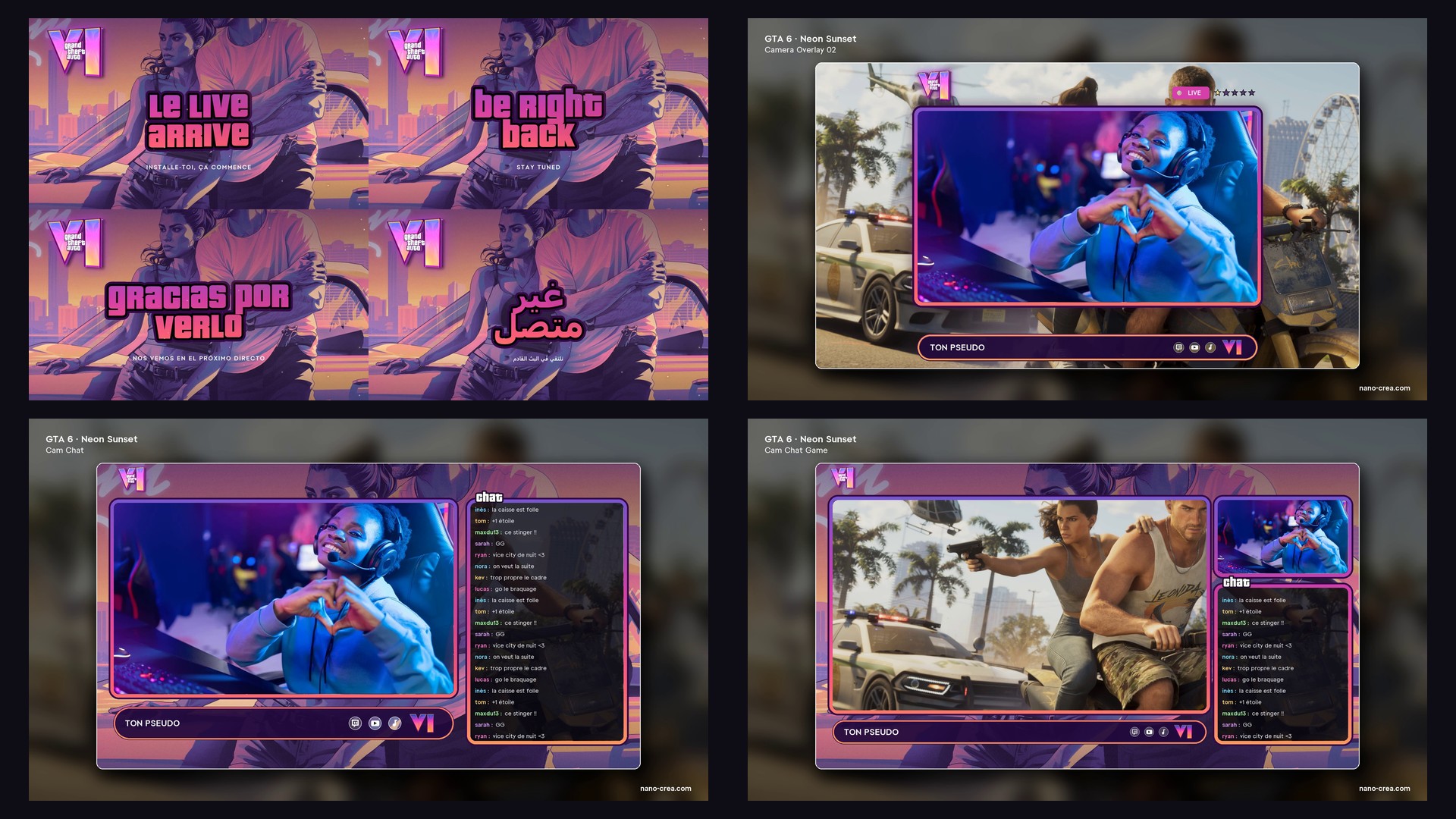
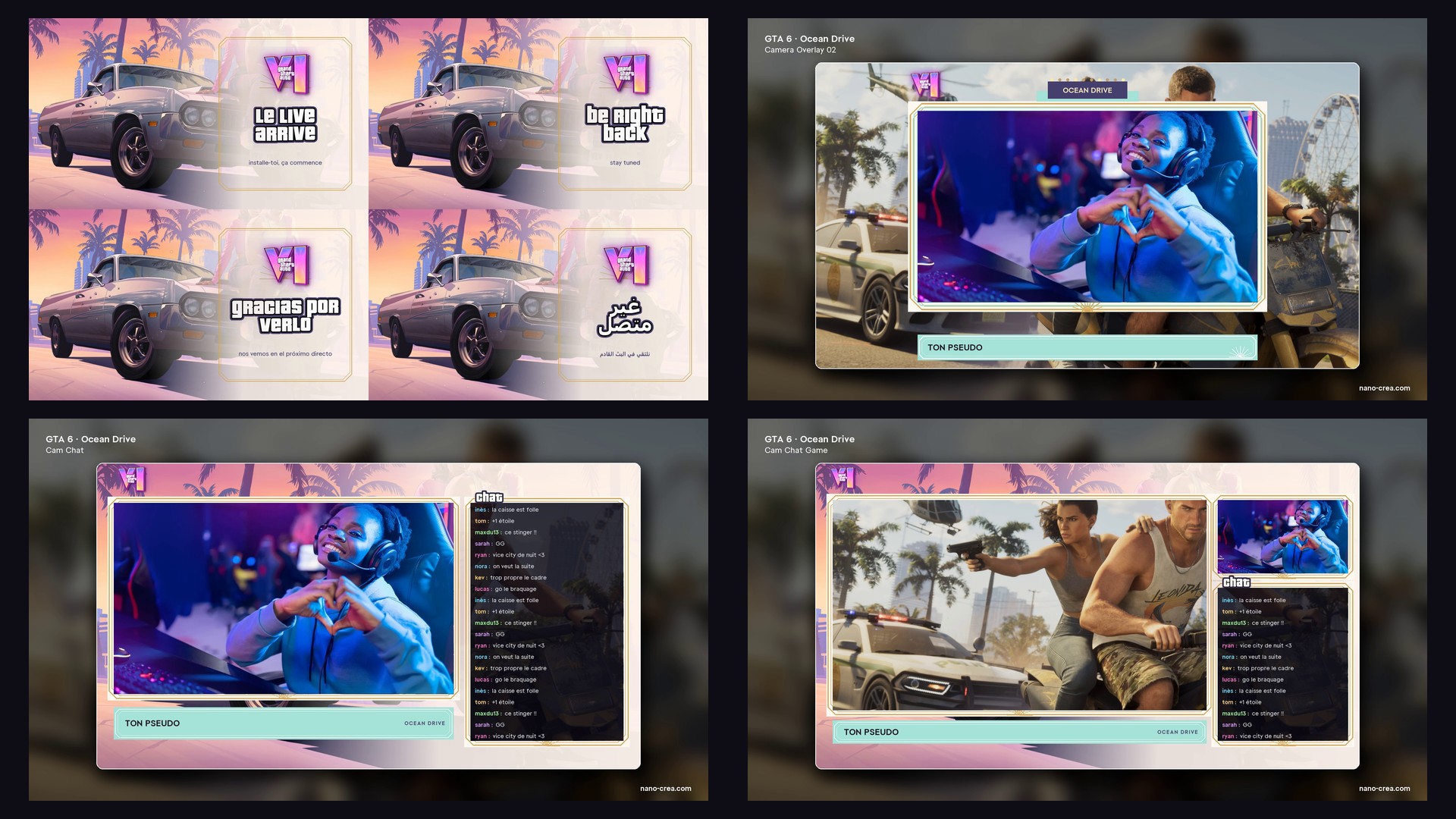
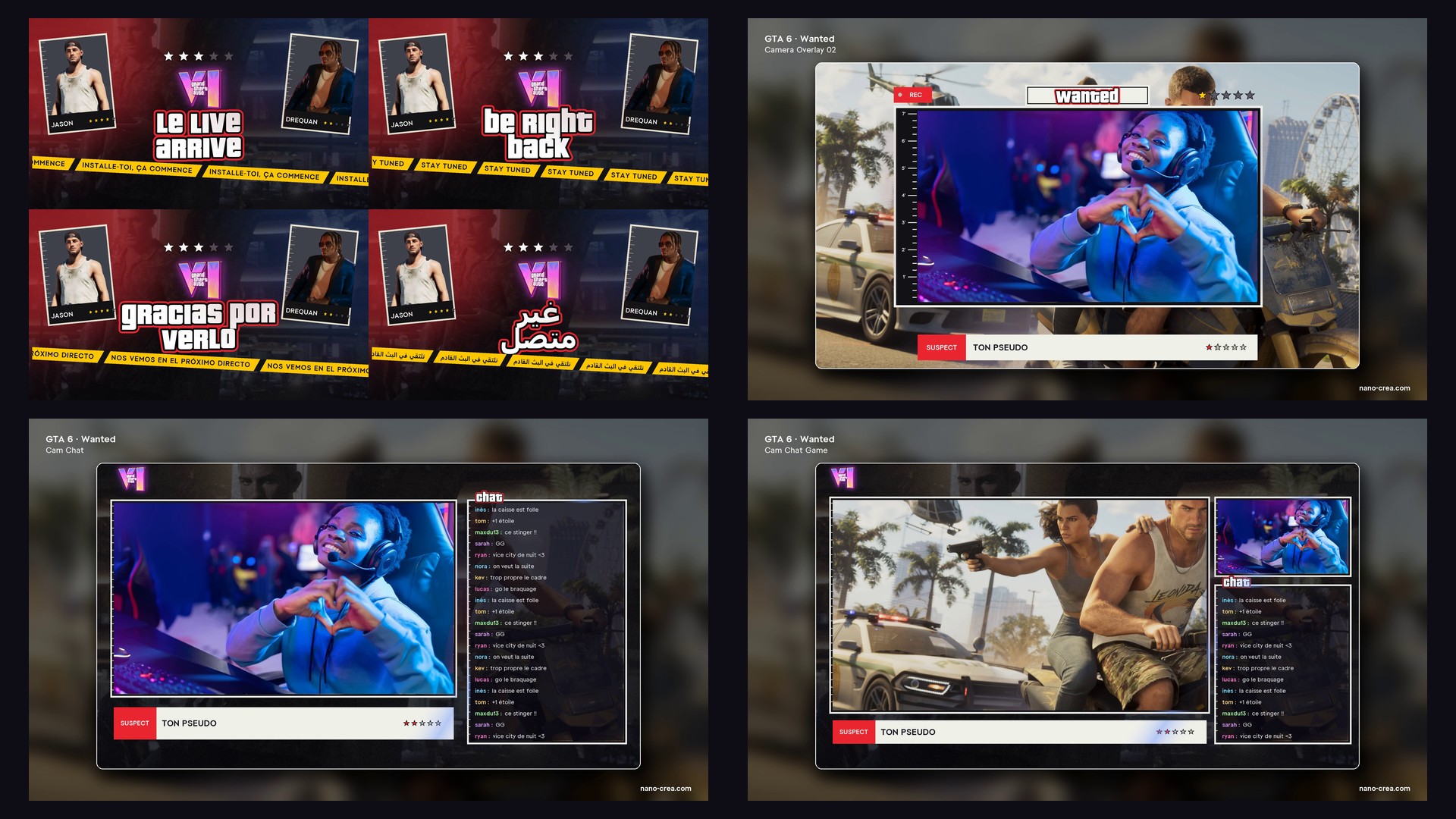
The three looks come from our GTA 6 stream packs: screens, webcam overlay, alerts and transitions in the same colours.
Questions about GTA 6 and NanoCrea
Is it really free?
Yes. No account, no watermark on the stars, no time limit. We make stream packs and give this widget to GTA 6 streamers.
Does it follow my Twitch or Kick by itself?
Yes, with Streamer.bot (free): one address to paste in a Fetch URL, and each follow, sub, cheer or raid adds one by itself (step 3 above). No account, no Twitch app to authorise. Without Streamer.bot, the +1 dock works from OBS or your phone.
The stars do not move when I press +1. What do I check?
Both addresses must come from the same visit of this page (same widget). Refresh the browser source in OBS once, then press +1 again: the count arrives in about a second.
Can I use it on a 720p or vertical stream?
Yes. Take the Compact format, place it where you want and change its size in OBS or with the Size slider. Everything stays sharp.
NanoCrea is an independent creator shop, not affiliated with Rockstar Games or Take-Two Interactive. Grand Theft Auto and GTA are trademarks of Take-Two Interactive. Official artwork shown for illustration only.