GTA 6 overlay for Twitch
A Twitch channel that looks ready for GTA 6: pick one of the 8 styles and take the pieces you need, alone or in the full pack.
- Pick a style and the pieces you need below: webcam overlay, alerts, screens.
- In OBS Studio or Streamlabs, add the screens and overlays as Image or Media sources, and the alerts in your alert box (StreamElements or Streamlabs).
- Connect OBS to Twitch with your stream key (Twitch dashboard, Settings, Stream) and put the Twitch banner on your channel page.
What to put on your stream
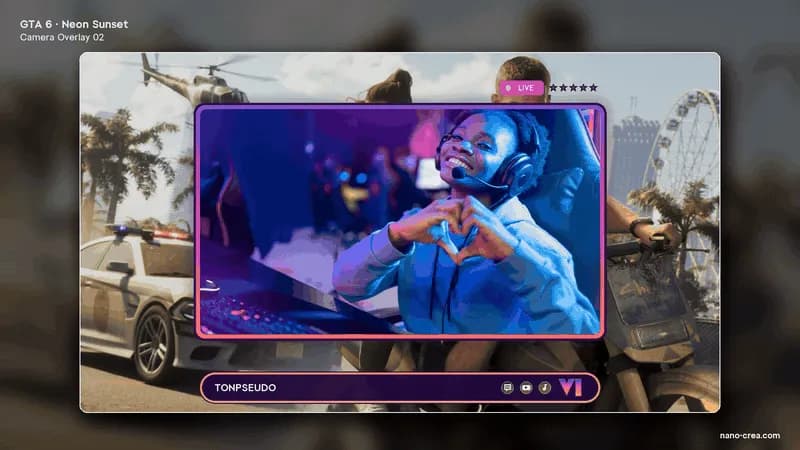 Webcam overlayFrom €19.99
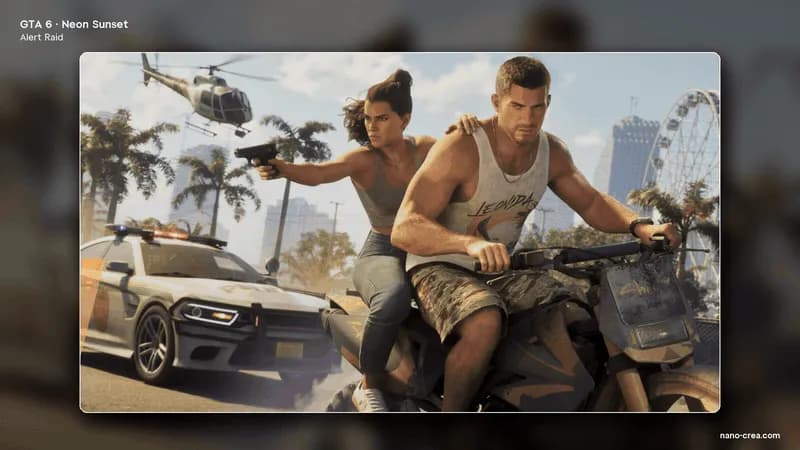 Stream alertsFrom €12.99
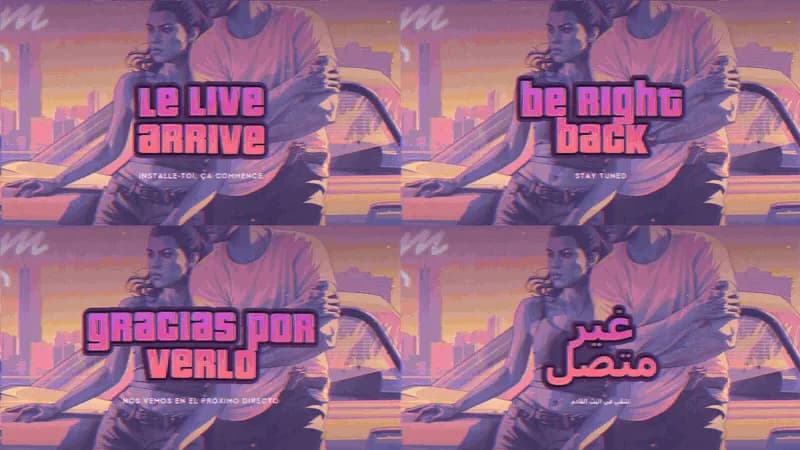 Stream screensFrom €19.99
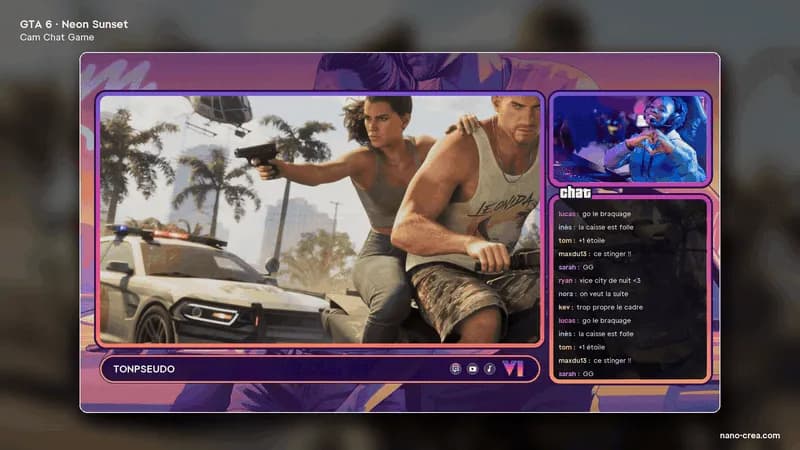 Cam and chat layoutsFrom €16.99
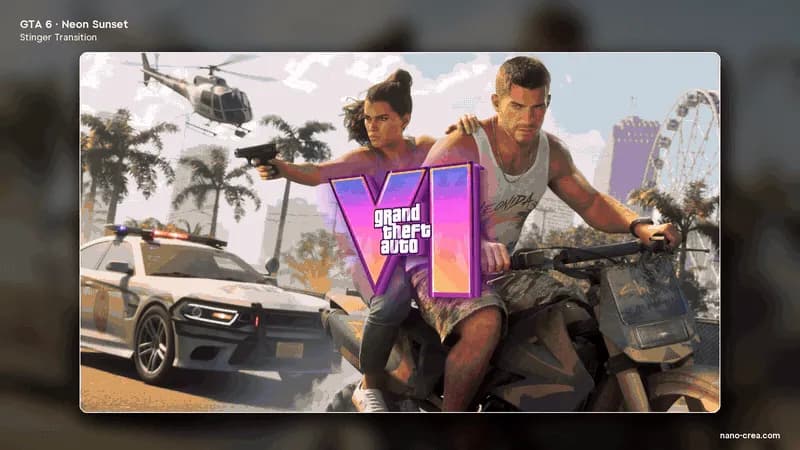 Stinger transitionFrom €9.99
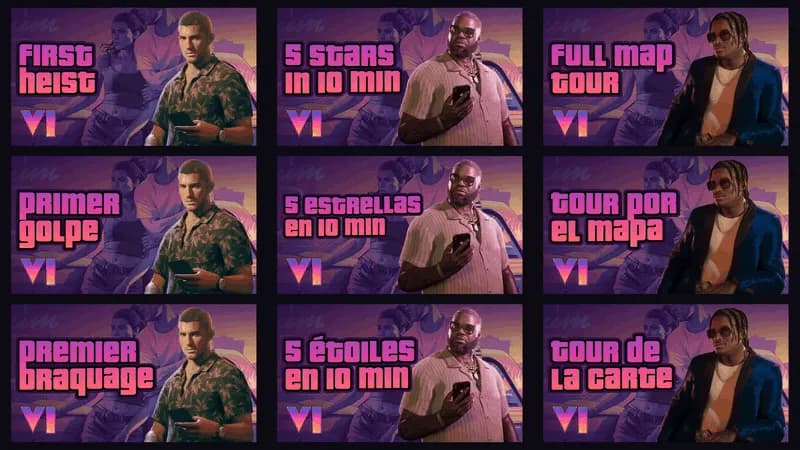 Thumbnails and bannersFrom €19.99
Your personal code GTA10: 10% off your first GTA pack.
See the 8 GTA 6 packsQuestions about GTA 6 and NanoCrea
Can I buy only this piece?
Yes. Each style sells it alone at the price on its card; the full pack holds it too, with every other piece of the style.
Does it work with OBS Studio and Streamlabs?
Yes. The files are PNG and WebM or MP4, ready to add as Image, Media or Browser sources, with a READ ME FIRST file.
Is it official GTA 6 content?
No. NanoCrea packs are independent creations, not affiliated with Rockstar Games or Take-Two Interactive.
NanoCrea is an independent creator shop, not affiliated with Rockstar Games or Take-Two Interactive. Grand Theft Auto and GTA are trademarks of Take-Two Interactive. Official artwork shown for illustration only.