GTA 6 countdown for OBS
Copy one address into OBS and your viewers see the days, hours and minutes left before GTA 6, in the look of your pack. Free, no account, nothing to install.
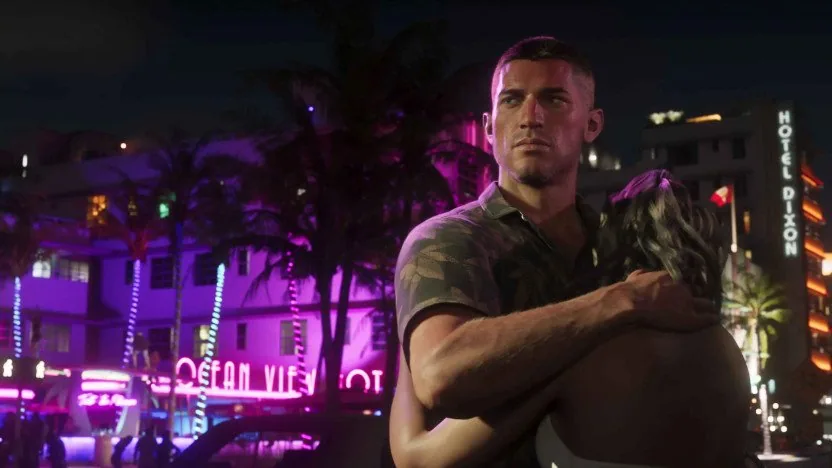
This style comes from the Neon Sunset pack. See the pack
Add it to OBS in 1 minute
- Pick the mode, the style of your pack and the words, then copy the address.
- In OBS Studio: Sources, +, Browser. Paste the address, width 1920, height 1080.
- Move and resize the source over your scene. In Streamlabs: Add Source, Browser Source, same address.
Rockstar Games has not announced the unlock hour: the countdown targets November 19, 2026 at 00:00, Paris time. Change the hour if your store unlocks later.
The full look for your first GTA 6 stream
Starting, pause and end screens, alerts, webcam overlays and stinger in the same style. 10% off your first GTA pack with your personal code GTA10.
Questions about GTA 6 and NanoCrea
Is the countdown free?
Yes, for your own channel, with no account. The small nano-crea.com line can be turned off on this page.
What happens on release day?
At zero the countdown shows your end text (GTA 6 IS OUT by default). Then switch to the timer mode: it counts down the start of your stream on your Starting Soon screen.
Will it slow my stream down?
No. It is a light web page that only shows text: the background stays transparent and nothing is sent to us.
Where do the styles come from?
Each style copies the title lettering of one of the 8 NanoCrea GTA 6 packs. The pack holds the matching screens, alerts, webcam overlays and stinger.
NanoCrea is an independent creator shop, not affiliated with Rockstar Games or Take-Two Interactive. Grand Theft Auto and GTA are trademarks of Take-Two Interactive. Official artwork shown for illustration only.