Online editor
Import into OBS and keep your settings
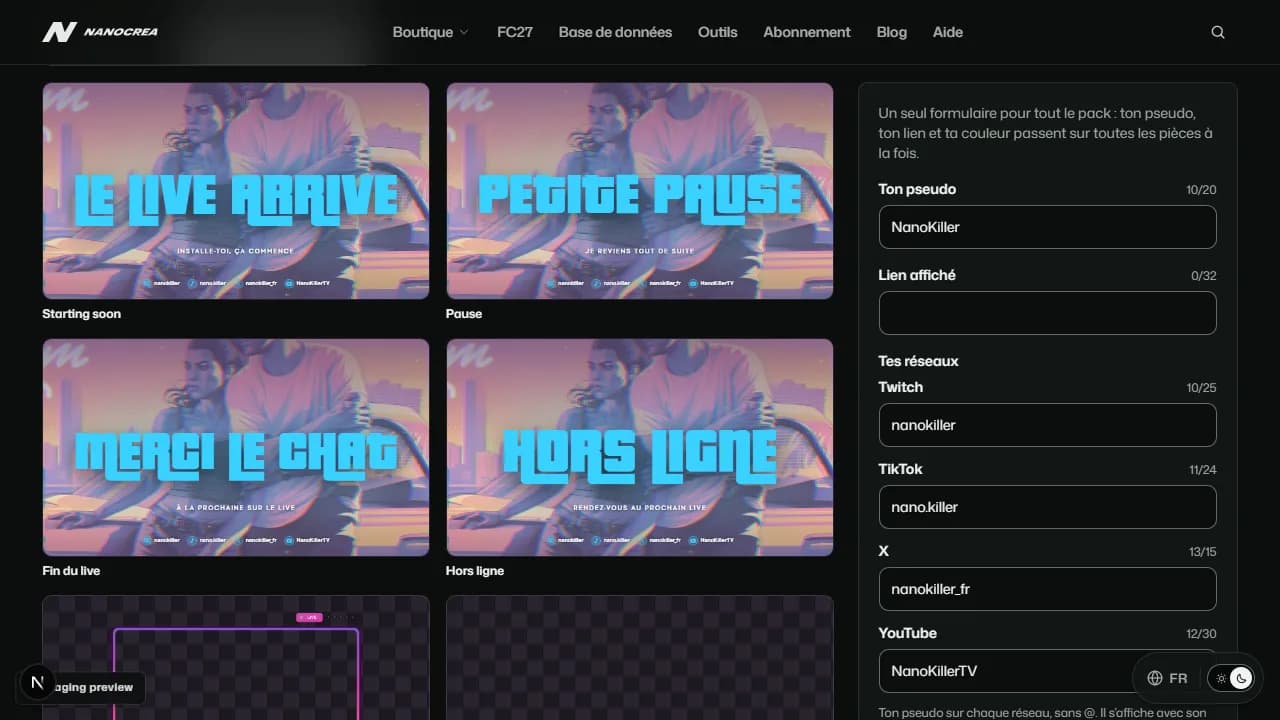
The whole customised pack comes as one .zip with a ready scene collection: one scene per piece, every PNG in place.
Import your pack into OBS
- In the editor, download the whole customised pack (.zip).
- Right click the zip, Extract All, and keep the folder offered: it has the name of the zip.
- In OBS Studio: Scene Collection, Import, pick the OBS-....json file of that folder, then select the collection in the Scene Collection menu.
- OBS lists the missing files (it needs the folder on your computer): Search Directory..., pick the extracted folder, then Apply. Every piece is back in place.
- In each scene, add your webcam, game capture and chat under the overlay.
Keep your settings
- Your name, link, networks, colour and logo are kept on this device, in this browser.
- They apply by themselves to every pack you open in the editor, new packs included.
- Private window or site data cleared: the settings start from scratch.
- Signed in, your settings are kept in your account and follow you on every device. The customer area offers to move the settings of a device there.