AvailableFree
YouTube Banner Maker
A TV shows your whole banner, a phone only its middle strip. Put your name where every screen keeps it, check each device, then download it at 2560 by 1440.
Preview
Guides are not in the file. The size, the 6 MB limit and the safe area come from YouTube Help; the desktop and tablet bands are common measurements, shown as approximate.
The file is drawn on your device at the exact size. No account, no email, no watermark.
EA SPORTS FC and FC27 are trademarks of Electronic Arts Inc.
Make it yours
Presets follow the FC27 packs on sale now: the promo name or the edition look, nothing else.
Name
Look
Social accounts
Background photoStays on your device
Without a photo, the look gradient is the background.
Colours
Elements
FC27 tag style
Made for every screen
One banner, from TV to phone
YouTube crops channel art differently on each device. The middle safe area is the only part every device shows, so the maker keeps your name, tagline and handles inside it and lets the edition look run to the edges.
- Keep words and logos inside the safe area
- Use the edges for the look, not for information
- Check the Phone view before you download
- Image size
- 2560 × 1440 px
- Minimum
- 2048 × 1152 px
- Safe area
- 1544 × 423 px, centered
- Export
- PNG or JPG, 6 MB limit
Source: 2560 x 1440 recommended, 2048 x 1152 minimum, 6 MB, text safe area 1235 x 338 at minimum size. YouTube Help (opens in a new tab), checked 07/10/2026.
FAQ
Questions about the maker
What size is a YouTube banner?
2560 by 1440 pixels is the size YouTube recommends, at least 2048 by 1152, and 6 MB or smaller. The maker exports exactly 2560 by 1440 and checks the file before saving it.
What is the safe area?
The middle part of the banner that every device shows. YouTube gives 1235 by 338 pixels at the minimum size, which is about 1544 by 423 at 2560 wide.
Is it free?
Yes. No account, no email, no purchase and no watermark.
Are my images uploaded?
No. Your photo is read by your browser to draw the banner. Nothing is sent or stored.
My PNG is over 6 MB, what now?
Large photos make heavy PNG files. Download the JPG instead: it keeps the same size and is much lighter.
More free makers
- AvailableFreeTwitch Panel Maker
- AvailableFreeTwitch Banner Maker
- AvailableFreeStream Screen Maker
- PlannedFreeX Header Maker
Go further
The same look on stream and on socials
- Included in all plans
- 10 options, Full Pack €59.99
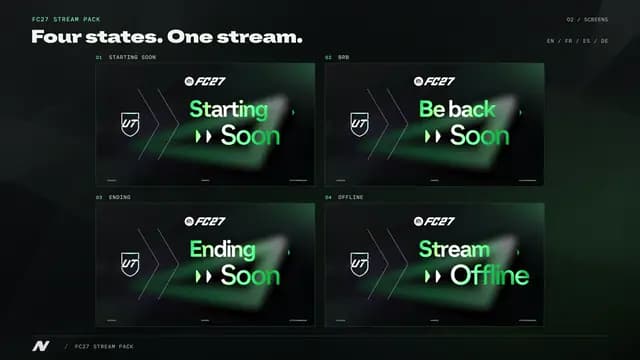
- 11 options, Full Pack €49.99