FC27 Ultimate Scream: the stream pack for the Halloween promo
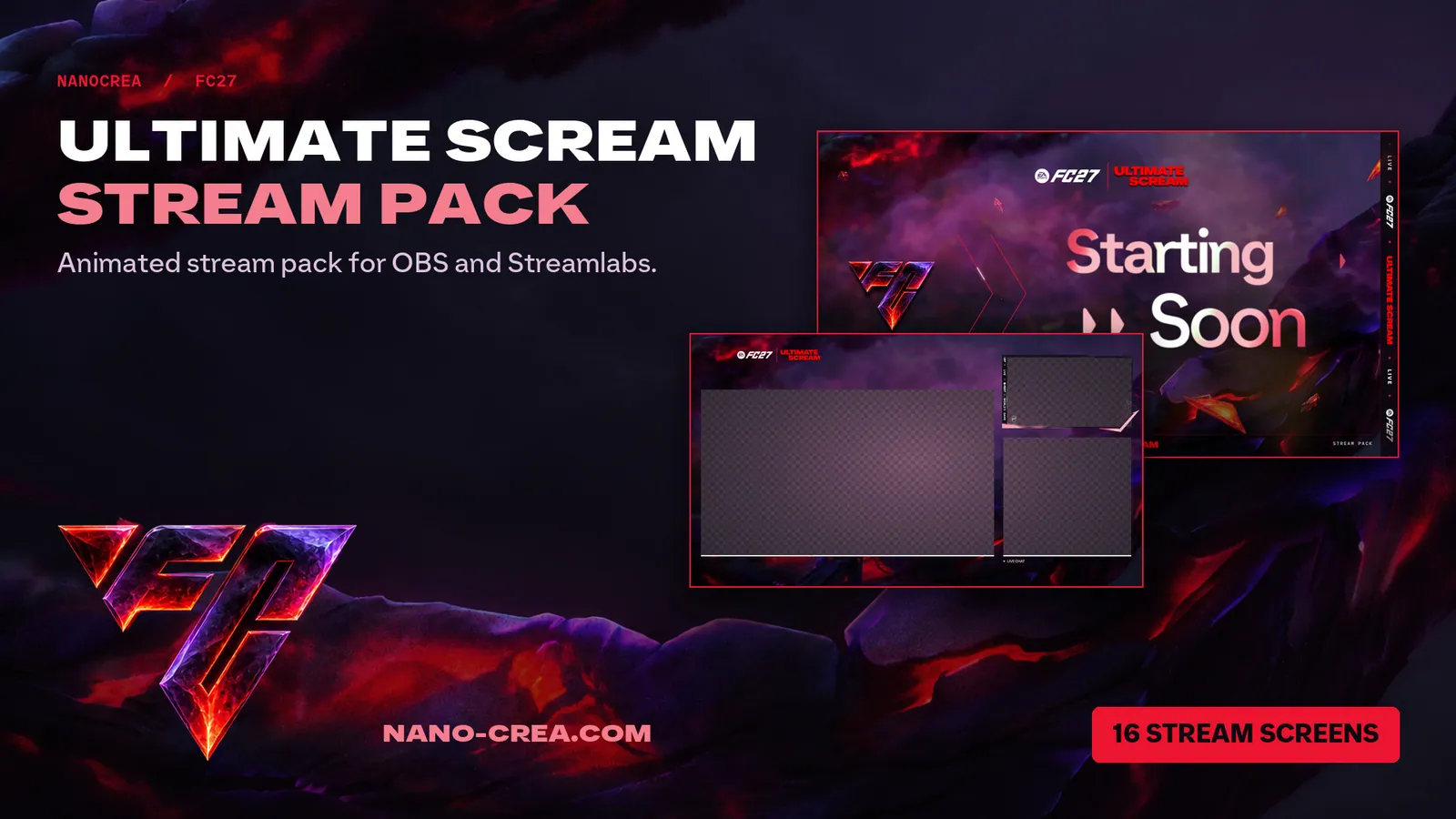
The FC27 Ultimate Scream stream pack is our Halloween promo set for creators streaming EA Sports FC 27 on Twitch, YouTube or Kick. It covers everything an Ultimate Team stream puts on screen: the starting screen, the in-game layout, the camera, the chat, the alerts and the break between two matches. It loads into OBS Studio or Streamlabs, and you do not need to edit anything to get a clean first stream out of it.
What is inside the pack
Here is the real content, so you know what you are getting before you buy:
- 16 stream screens in English, French, Spanish and German. Starting soon, be right back, ending and the other scenes a live needs, in the language your audience reads.
- 4 camera overlays to frame your webcam, plus Cam Chat and Cam Chat Game layouts that put your camera and your chat on screen next to the match.
- 2 scoreboards for your Weekend League or Rivals runs.
- Official counter cards in the 151 and 168 versions, with matching banners, so your counters look like the game.
- 12 alerts: Follower, Subscriber and Donation, each in English, French, German and Danish.
- 1 stinger transition to switch between scenes.
- A Graphic Pack with 6 layered PSD files. Every element sits on its own layer and the text is editable, so you can open them in Photoshop and build thumbnails, banners and social posts in the same style as your stream.
- A Light 2D version: PNG versions of every element, plus the Graphic Pack (logos, FC monogram, lockups, backgrounds and the 6 layered PSD files with editable text).
- A Mini version: the logo, the FC monogram and the backgrounds, for a quick start.
The pack works the same way on any platform you stream to.
Who it is for
If you stream FC 27 Ultimate Team, play Weekend League, open packs live or record YouTube videos, this set gives you one consistent look from the first scene to the last alert. If you only want to try the style, the Mini version is the lightest way to start.
How to install it in OBS or Streamlabs in 5 minutes
- Download and unzip. After checkout the download is instant. Unzip the pack into a folder you will keep, for example Documents/Streaming/Ultimate Scream. Do not move it afterwards, because OBS and Streamlabs remember file locations.
- Create your scenes. Make one scene per screen you need: Starting, Game, Break, Ending.
- Add the screens. In OBS, click + in Sources, choose Media Source for animated files or Image Source for still ones, tick Local File and pick the file. In Streamlabs Desktop, use + Source, then Media File or Image. Press Ctrl+F in OBS to fit the file to the canvas.
- Place your camera. Add your webcam as a Video Capture Device, put it under the camera overlay of your choice, and resize it to fill the frame. Add your game capture below the scoreboard or Cam Chat layout.
- Set up alerts. In Streamlabs, open the Alert Box, pick an event such as Follow, and select the matching alert file. Repeat for the events you use. In OBS, add the alerts through your alert service of choice as a browser source.
- Add the stinger. In the Scene Transitions panel, click +, choose Stinger, select the stinger file and set the transition point, then test it by switching scenes.
Do a short test recording before you go live. If a layer sits in the wrong place, drag it and lock it with the padlock so it stays put.
Already using another FC27 pack?
The install steps above are the same for every FC27 pack we make. If you want to compare styles first, look at the FC27 Future Stars Stream Pack or the FC27 FUT Champions Stream Pack. Each one has its own scoreboards, cameras and alerts, so pick the one that matches the promo you are streaming.
Get the FC27 Ultimate Scream Stream Pack
The full pack, the Light 2D version and the Mini version are on the product page, with the current Halloween promo price: FC27 Ultimate Scream Stream Pack.
FAQ
Does it work with OBS and Streamlabs?
Yes. Both are covered by the steps above, and the files are standard images and videos that both programs read.
Can I edit the graphics?
The Graphic Pack includes 6 PSD files with separate layers and editable text, so you can change the wording, move elements and export your own thumbnails and banners in Photoshop.
Which version should I start with?
Take the full pack if you want all screens, alerts and scoreboards. Take the Light 2D version if you prefer PNG files and the Graphic Pack, and the Mini version if you only need the logo, the FC monogram and the backgrounds.
Do I get the files right after paying?
Yes, the download is available instantly after checkout from the store.
Can I use it on Twitch, YouTube and Kick?
Yes. The pack is made of overlays and alerts, so it works with any platform your streaming software can broadcast to.